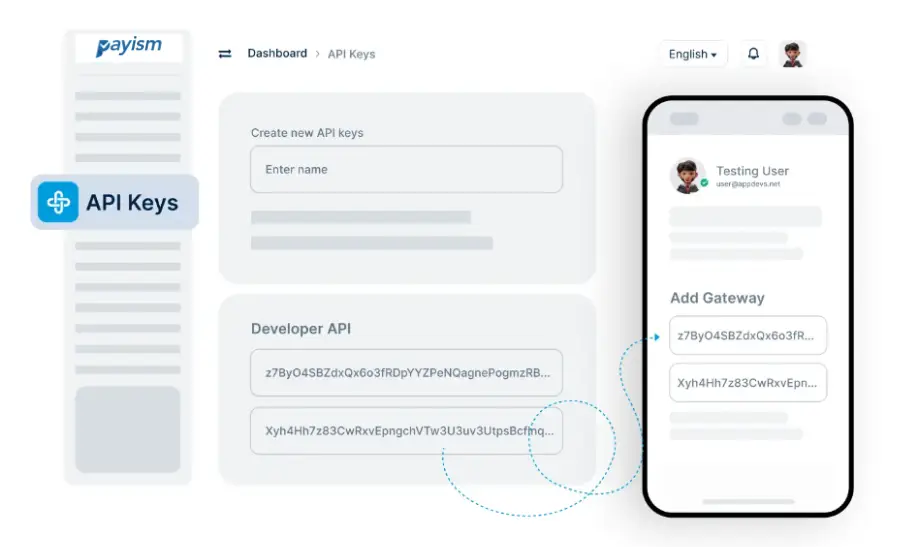
Learn more about creating, using, and managing API keys with Payism Pro
Store your API keys in a secure environment, such as an encrypted server or a password manager, and avoid sharing keys with anyone. Payism Pro also allows you to regenerate keys if you suspect any security risks.
Yes, Payism Pro allows you to generate multiple API keys with specific permissions for each, so you can control access based on usage, team members, or integration needs.
If your API key is compromised, immediately revoke it through the Payism Pro dashboard and generate a new key. Payism Pro’s secure dashboard allows for easy key management to protect your platform.
No, Payism Pro API keys do not expire by default. However, you can manually revoke and regenerate them whenever needed to maintain the highest security standards.
Copyright © 2025 All Rights Reserved Payism